How to keep track of oil changes and car maintenance
Set maintenance reminders by mileage and by date, whichever comes first. Which services to track, how to keep the odometer current and how to log the work.
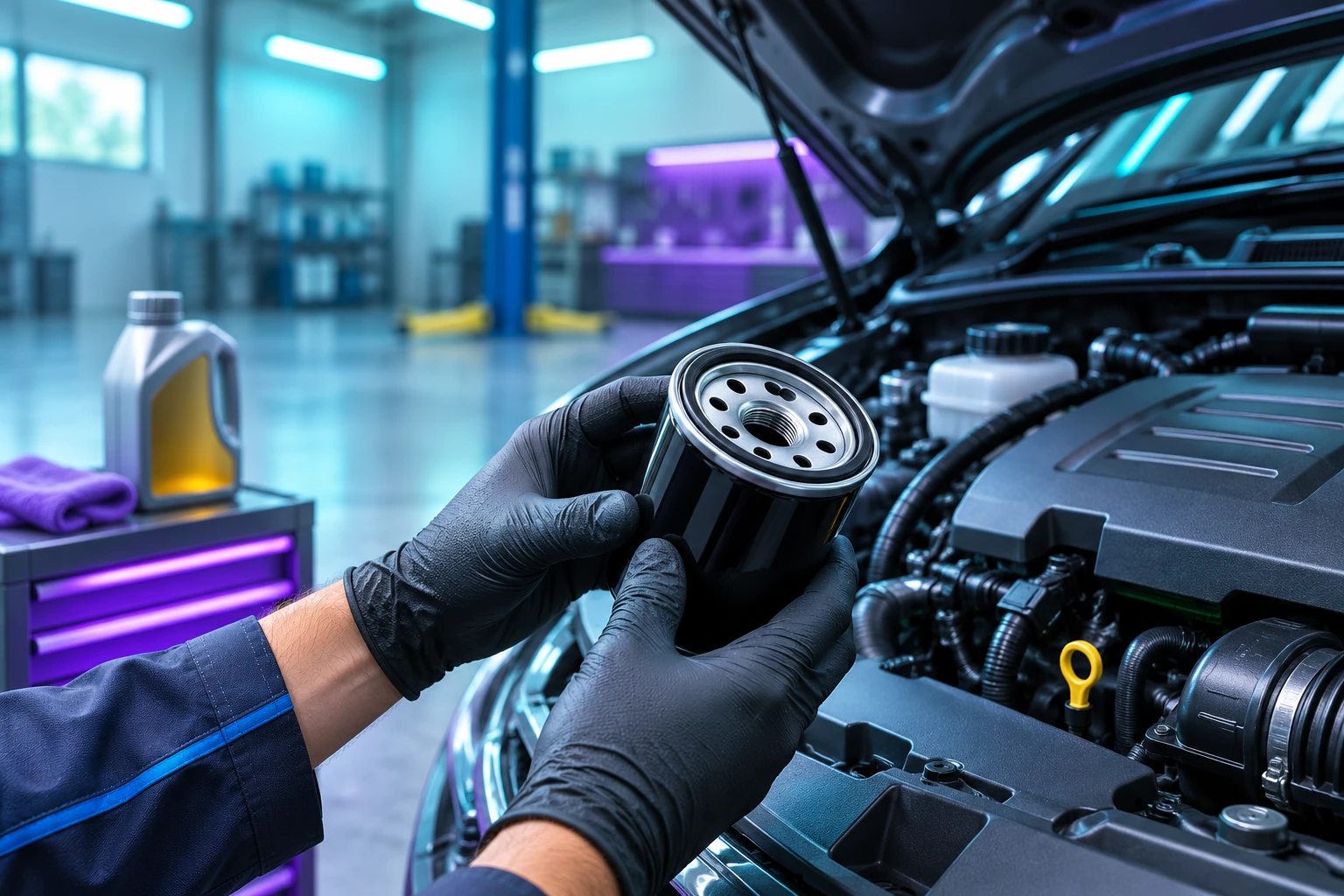
Set each reminder twice over: once by distance and once by time, and act on whichever comes first. An oil change that your manual lists as "every 10,000 miles or 12 months" should remind you at 10,000 miles for a high-mileage driver and at 12 months for someone who mostly drives to the shops. Then keep the odometer up to date, because a mileage reminder is blind without it.
Why dashboard service lights aren't enough
Most modern cars have a service indicator, and it's useful. It only covers what the manufacturer programmed, though, and it needs resetting after each service, which garages sometimes forget. It also won't remind you about insurance, the MOT, car tax, a seasonal tyre swap or the parking permit. A separate list, on paper or in an app, catches everything else.
What to track
Start with what your owner's manual lists, then add the deadlines that come from outside the car:
| Item | Usually set by |
|---|---|
| Oil and filter | Distance and months |
| Tyre rotation or seasonal swap | Distance or season |
| Brake fluid | Months |
| Timing belt | Distance and years |
| Annual inspection (MOT) | Date |
| Insurance and car tax | Date |
The intervals vary a lot between cars, so take them from your manual rather than a generic list online.
Keeping the odometer current
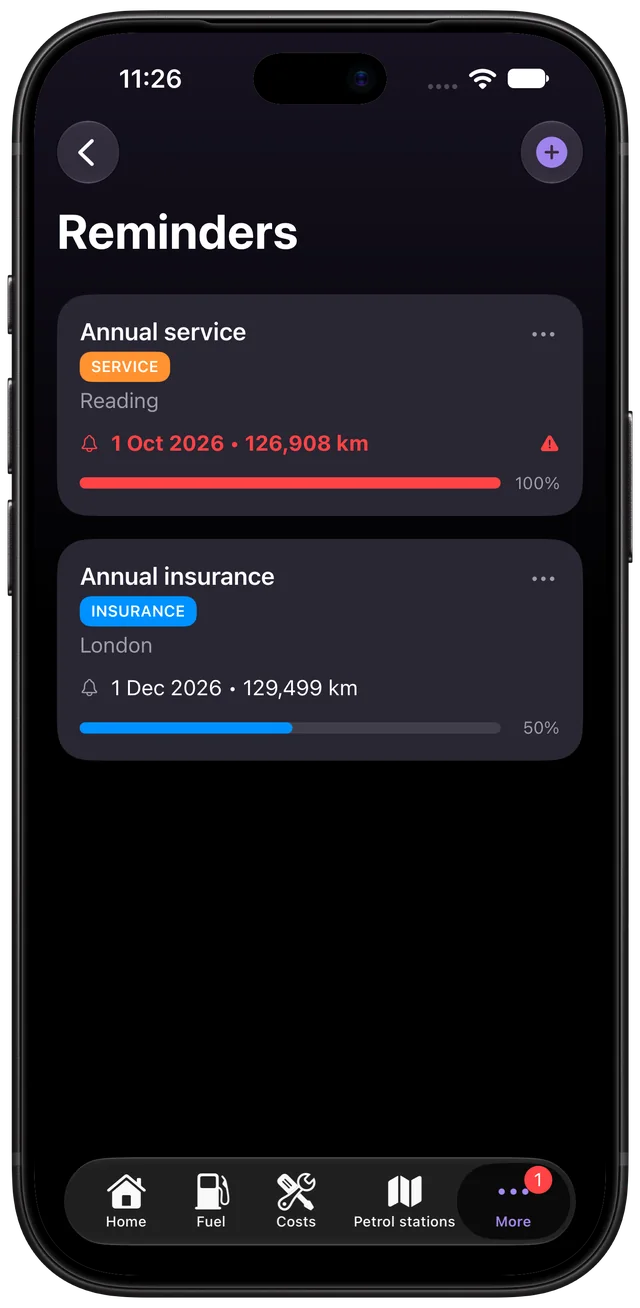
A reminder due at 49,000 miles is only useful if something tells it that the car is now at 48,500. Fuelio takes your latest odometer from your fill-ups and from any cost you log with an odometer reading, so a mileage reminder stays up to date as you use the app. If you rarely refuel, add a date limit too.
Logging the work
When the job is done, record it as a cost with the date, the odometer and what was done. Next time you'll know exactly when the last change happened, and when you sell the car you'll have a service history to show. The car expenses guide covers how to organise those entries.
Reminders in Fuelio
In Fuelio you can create a reminder by date, by distance or both, and make it repeat. It checks against your latest odometer reading from your fill-ups and costs. Turn on reminder notifications in the settings and Fuelio tells you when something is due soon or overdue.
Android
You can also add a reminder while logging a cost, such as an oil change. When a repeating reminder is done, Fuelio prepares the next cost from the old one and you only adjust the price.
iOS
Reminders have their own list*, and marking a repeating one as done starts the next period. Log the work in the Cost Log*.
iOS
* On iPhone, Reminders and the Cost Log are part of Fuelio Premium.
Set up a mileage-based maintenance reminder
- Find the interval. Look up the service interval for your car in the owner's manual, usually given in miles or kilometres and months.
- Log the last service. Record the date and odometer reading of the last time the job was done.
- Create a recurring reminder. Set the reminder to repeat by distance and by time, whichever comes first.
- Keep the odometer current. Log fill-ups and costs with the odometer so the reminder knows how far you've driven.
Questions about this
What if I don't log fill-ups very often?
A distance reminder can only be as current as the last odometer reading it knows about. If you rarely refuel or drive an electric car, add a date limit as well so the reminder still fires on time.
Which reminders are worth setting besides oil changes?
Tyre rotation or seasonal tyre swaps, brake fluid, timing belt, the MOT, insurance renewal and car tax. Anything with a fixed interval or deadline is a good candidate.
Learn more: Reminders