

Trip Log: GPS mileage tracker
A GPS mileage tracker that starts on its own and shows the route and cost of every drive.
- Automatic start on Android and iPhone
- GPS route on a map with distance, time and speed
- Manual trips when you didn't record
- Trip cost from your fuel history or a fixed rate
- Work and private categories, notes, CSV, PDF and GPX export
Available onAndroidiOS
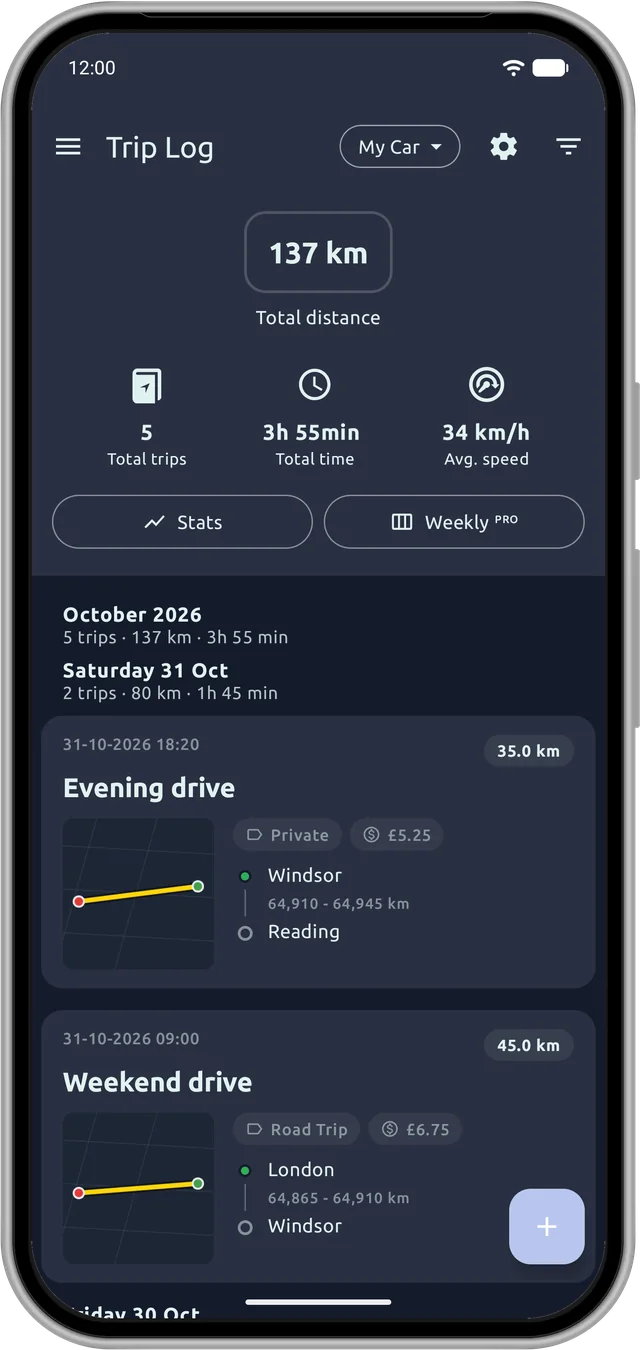
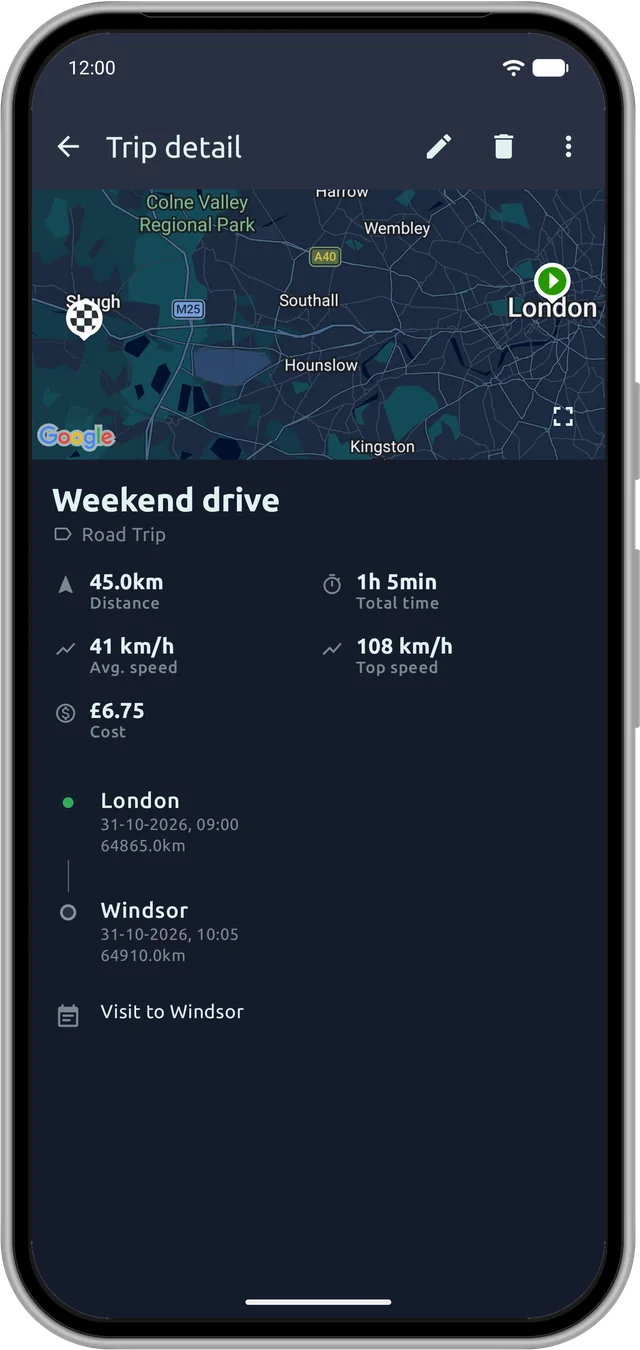
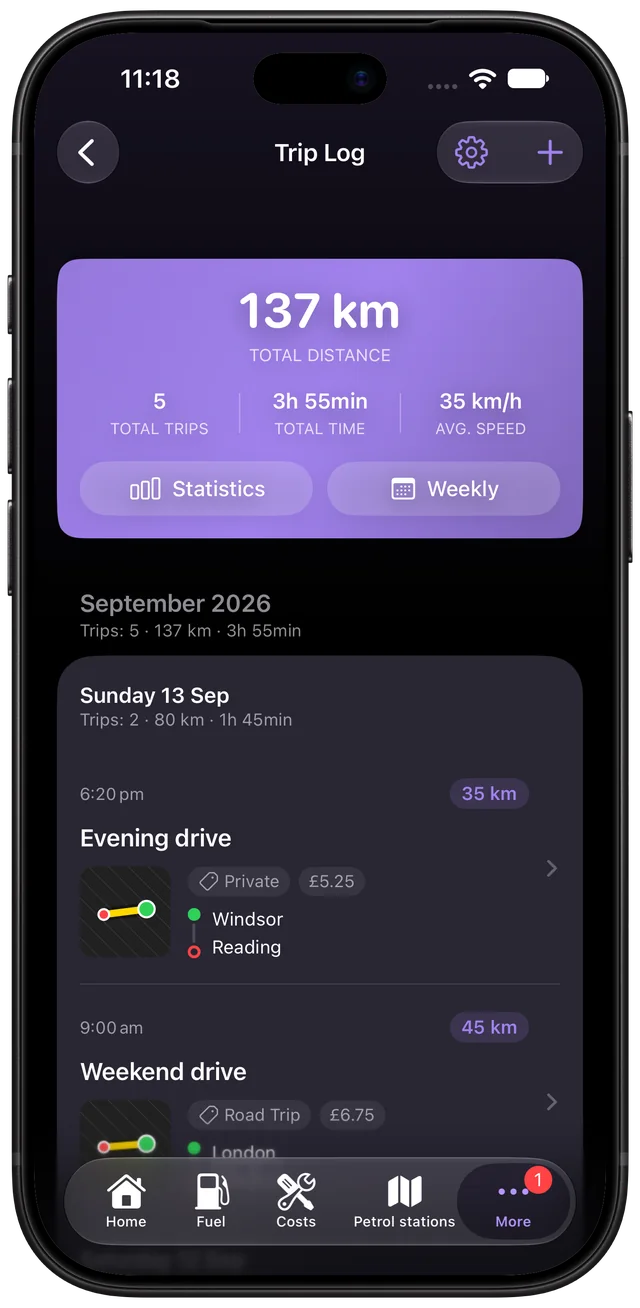
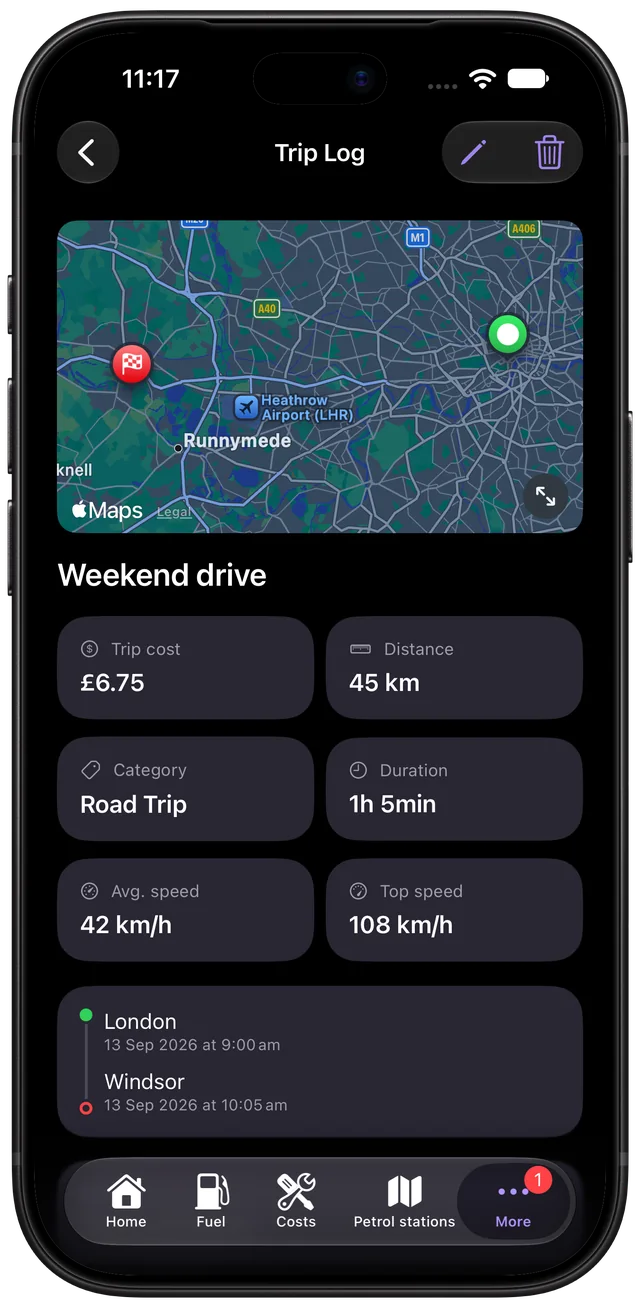
Trip Log is the mileage tracker built into Fuelio. It records each drive with GPS, draws the route on a map and tells you how far you went, how long it took and what it cost. You don't have to remember to press start: on both Android and iPhone, recording can begin on its own.
Automatic start, done differently on each platform
The two apps are native, so auto start uses what each system does best.
Android
Car Bluetooth. Pick your car's Bluetooth (the car stereo, or any Bluetooth device that stays in the car) in the settings and link it to a vehicle. When your phone connects, Fuelio starts recording. When it disconnects, the trip is finished, or paused and resumed when the car reconnects, whichever you choose. Only the devices you pick trigger it, so your headphones won't start a trip.
iOS
Automatic detection. Trip Log can start recording on its own when you set off, even with the app closed. Turn it on with "When I start driving". It tells a drive from a walk, so a stroll to the shop isn't logged, and the trip finishes when you walk away from the car or stop for a few minutes. While a trip is in progress it shows as a Live Activity on the lock screen.
Every trip on a map
Each trip gets a summary: the GPS route, start and end place, distance, duration, average and top speed, with charts for speed and altitude. You can also add a trip by hand afterwards, without GPS, if you forgot your phone or drove someone else's car.
What each trip cost
Each trip gets a cost based on your average fuel cost per kilometre or mile, worked out from your fill-ups, or on a fixed rate per kilometre or mile if you prefer. To estimate a trip before you leave, see how to calculate the fuel cost of a road trip.
Work, private and your own categories
Tag trips as Work or Private (or create your own categories) and add notes. Set your working hours and trips that match them are tagged Work automatically. Weekly summaries show how far and how long you drove*.
Export
Export what you need to claim mileage. On iPhone that's a CSV spreadsheet or a PDF report*. On Android it's a mileage report* as PDF or text. Any trip's route can also be shared as a GPX file for other map apps. Trips are included in your backup (iCloud on iPhone, Google Drive or Dropbox on Android).
Privacy and battery
Your trips and routes stay on your phone and are never sent to Fuelio. Recording uses more battery than the rest of the app, so Trip Log records trips, not your whole day.
iOS
You can turn automatic detection off at any time.
* Weekly summaries and some reports are part of Fuelio Premium.


