

Reminders
Service, inspection or insurance: get reminded by date or by mileage.
- Remind by date, by distance, or both
- Repeat every few months or miles
- Checked against your latest odometer reading
- Mark as done and a repeating reminder starts its next period
- Daily notification with your own warning thresholds
Available onAndroidiOS
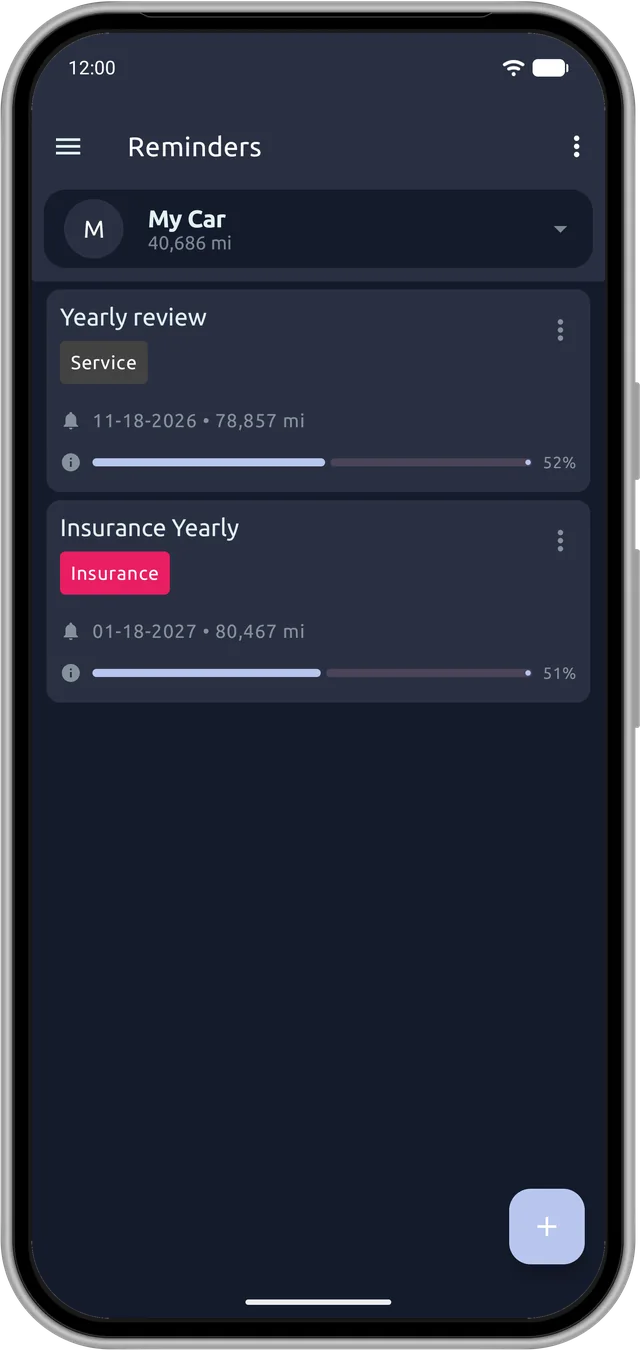
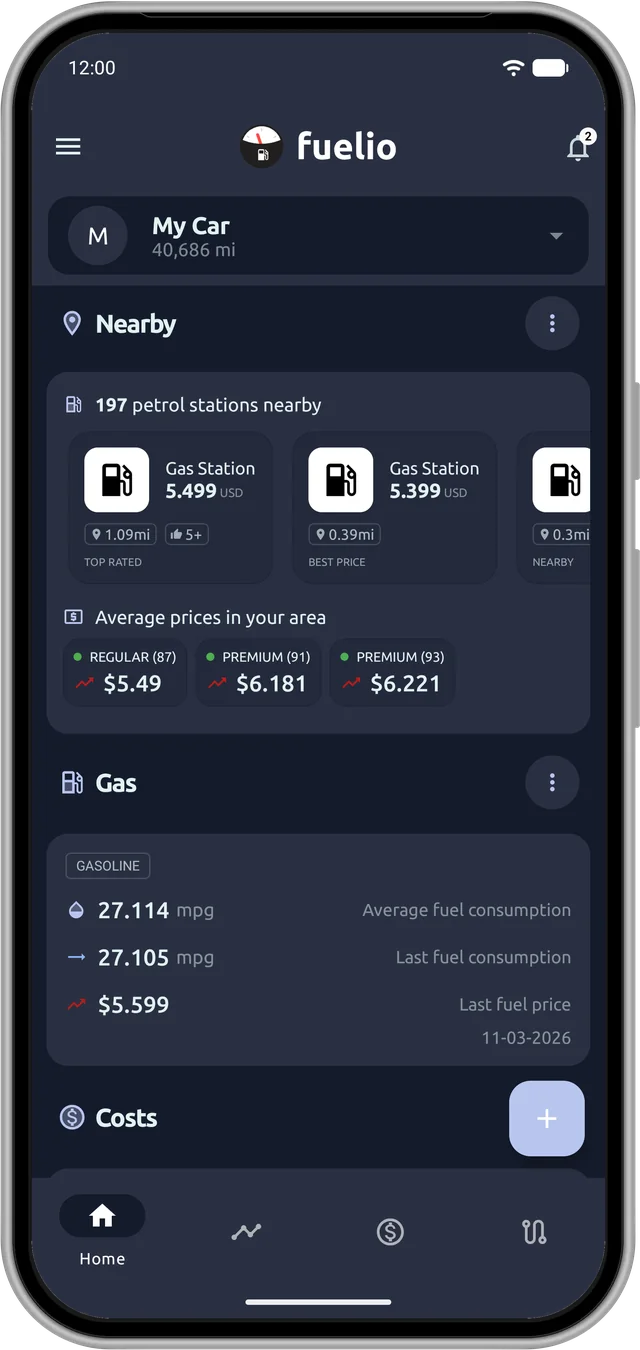
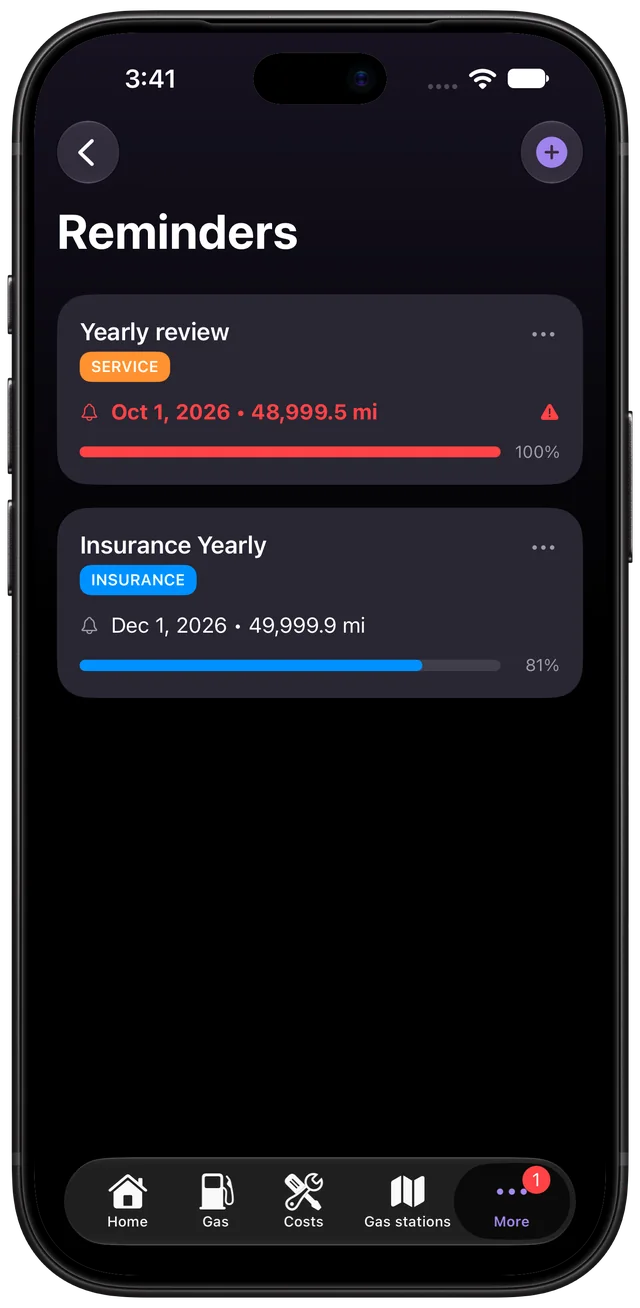
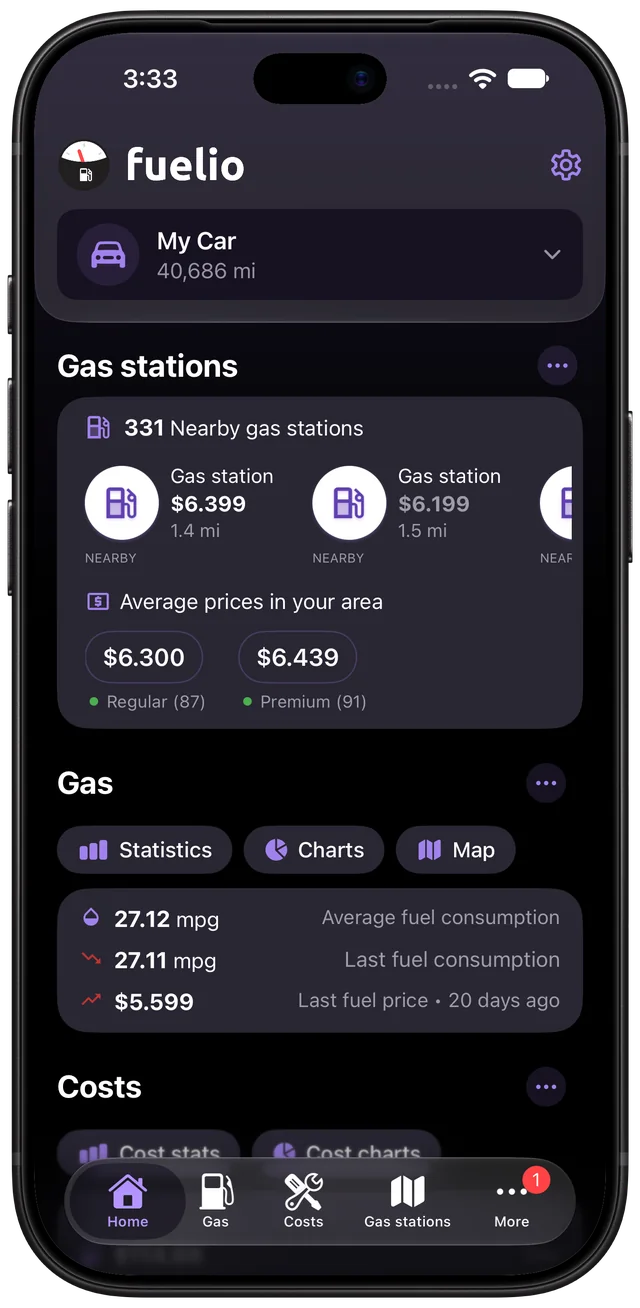
Oil changes, tire swaps, inspections and insurance renewals come round on their own schedules. Fuelio keeps track of them so you don't have to.
By date or by mileage
Set a reminder for a date, an odometer reading, or both, and make it repeat every few months or miles. Fuelio compares it with the latest odometer reading from your fill-ups and costs, so a mileage reminder stays current without extra typing. Each reminder shows a progress bar, so you can see how close it is.
Get told in time
Turn on reminder notifications in the settings and Fuelio checks once a day and tells you when something is due. Choose how many days or miles before the deadline an item counts as urgent, and mute vehicles you don't need alerts for. On iPhone you also pick the time of day.
Repeating jobs
Mark a repeating reminder as done and the next period starts from your current odometer and today's date, so a late service moves the schedule instead of piling up overdue alerts.
Android
Log a cost such as an oil change and switch on Add reminder to schedule the next one right away. When a repeating reminder is done, Fuelio can prepare the next cost copied from the old one, so you only adjust the price.
iOS
Set up reminders from the Reminders list* for service, inspection, insurance or anything else with a deadline.
Not sure what to track? The guide on maintenance reminders by mileage lists the usual candidates. Costs you log in the cost log keep the history.
iOS
* Reminders are part of Fuelio Premium on iPhone.


